Home › Articles › GTA VI without disk space or away from the console: Xbox explains how to play it in the cloud and via Remote Play
GTA VI without disk space or away from the console: Xbox explains how to play it in the cloud and via Remote Play
An Xbox Wire guide explains how to start Grand Theft Auto VI from Xbox Cloud Gaming on Xbox One and Series X|S and how to stream it with Remote Play from a Series X|S to a phone, PC or ROG Ally. You still need to own the game in its Xbox Store version.
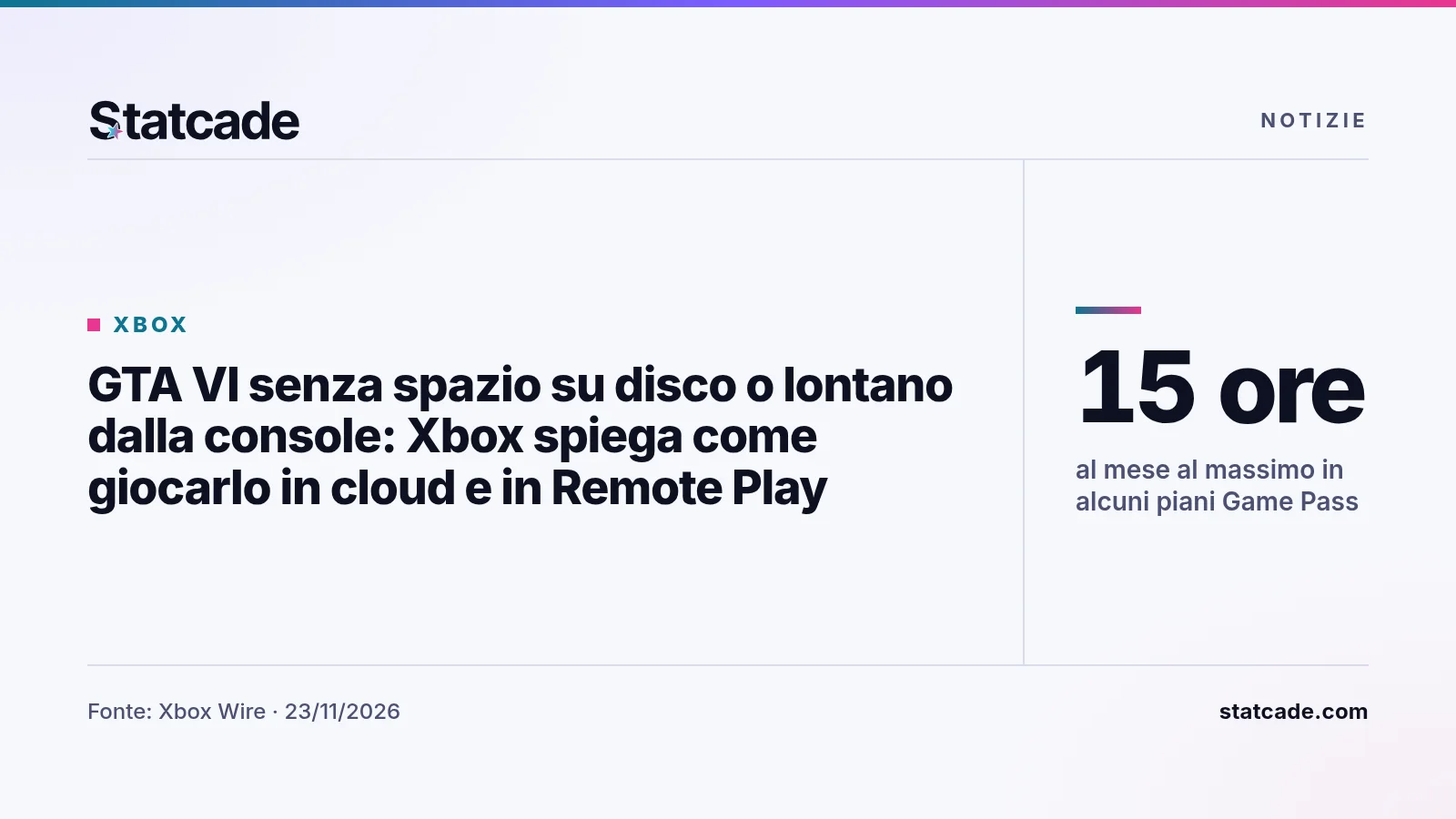
On Monday 23 November, four days after the release of Grand Theft Auto VI, Xbox Wire published a guide by its team on the two ways to play it without sitting in front of the console. With Xbox Cloud Gaming the game streams on Xbox One and on Xbox Series X|S. You open the guide, look for the game and choose “Manage”, then “See in Microsoft Store” and “Play With Cloud”. In the cloud the game uses the Xbox Series S graphics settings. As already announced in November, some Game Pass plans include up to 15 hours of cloud play per month, and more hours can be added. With Remote Play, instead, your own Series X|S streams the game to a phone, PC or ROG Ally, after enabling remote features in the settings. For both options you need to own the game in its Xbox Store version.
Sources: Xbox Wire (guide to Xbox Cloud Gaming and Remote Play for Grand Theft Auto VI). Text by Statcade.